How to Turn Your Photo Into a Cartoon With Free AI Apps
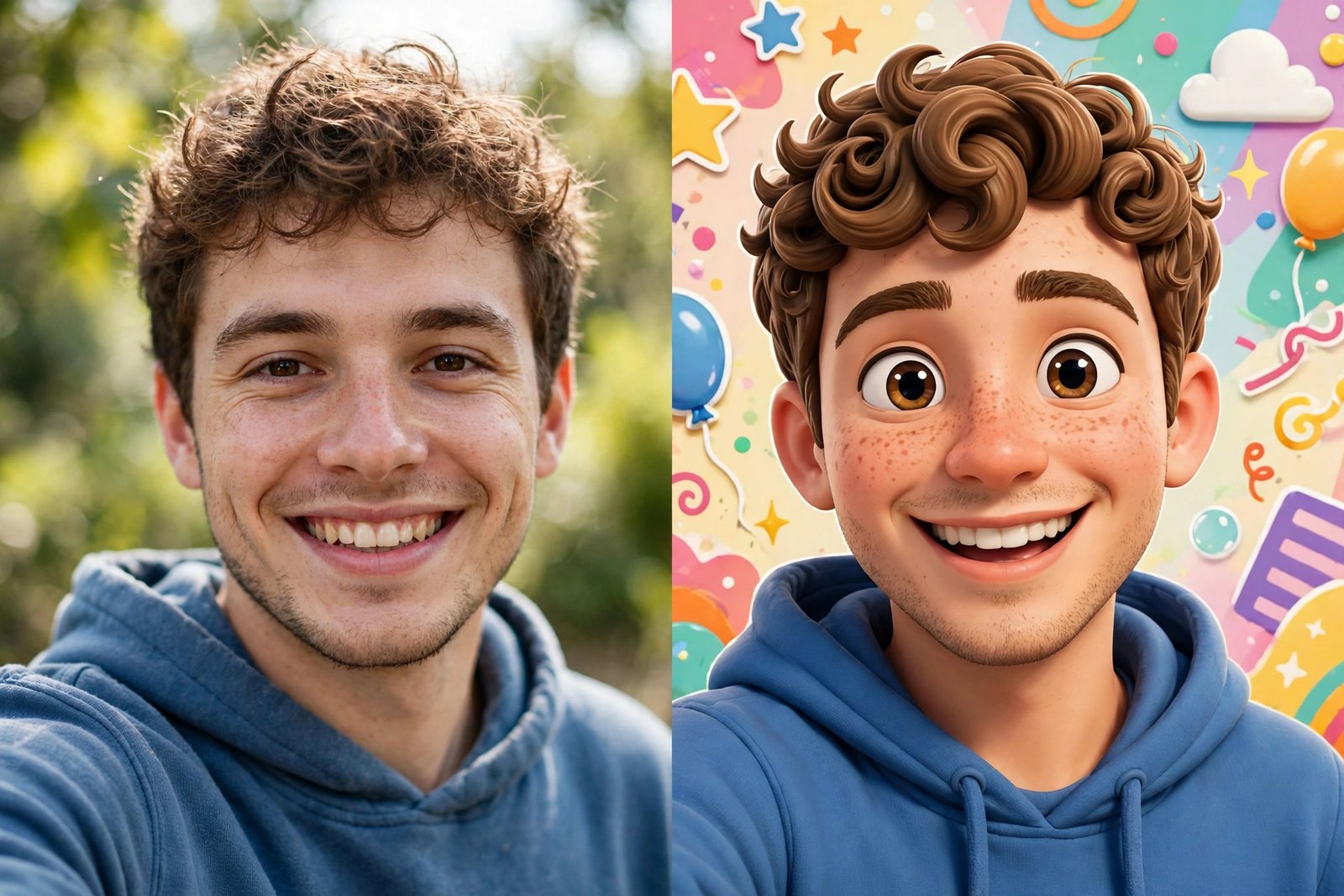
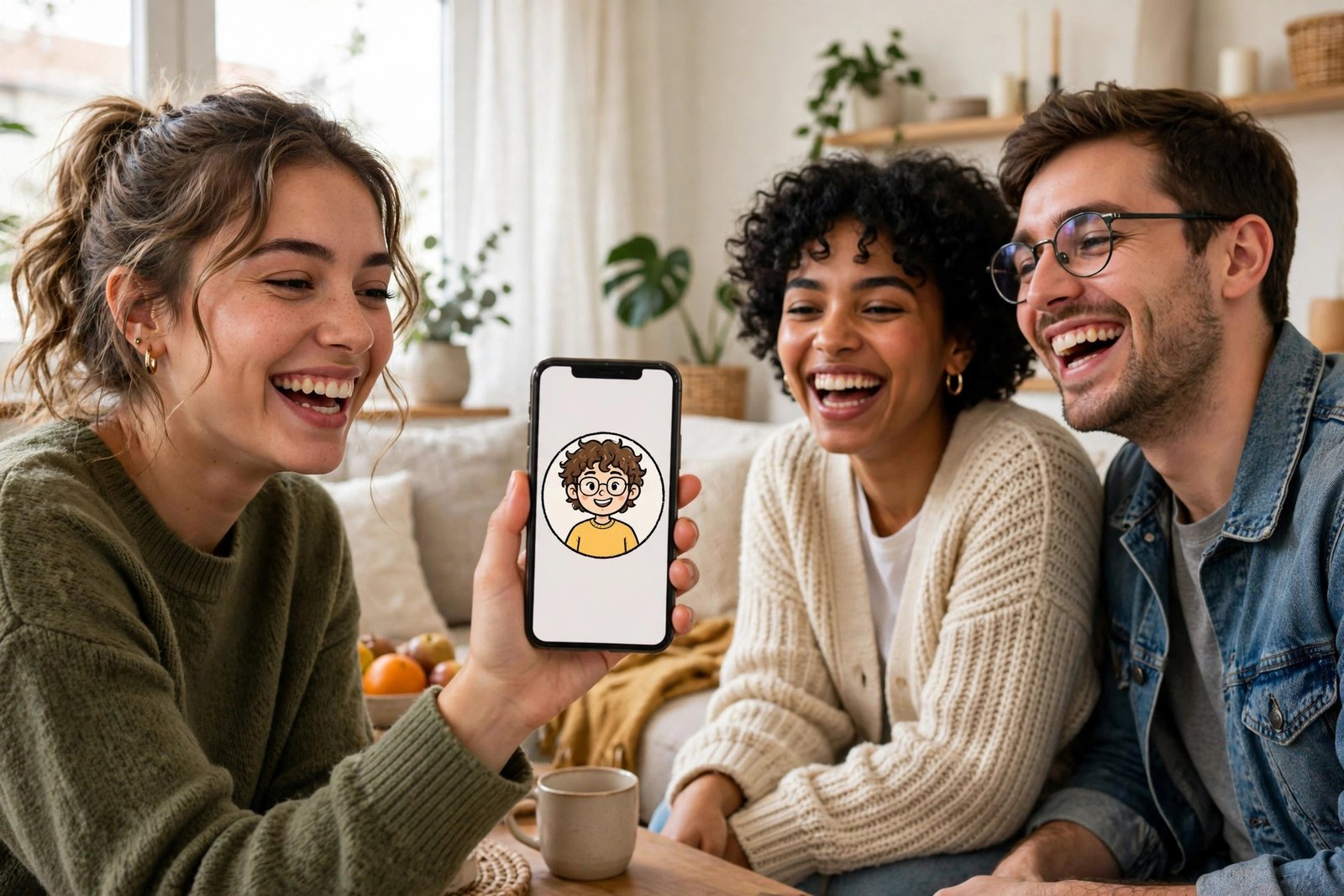
Cartoon profile pictures are everywhere – on WhatsApp, Facebook and Instagram. If you have been wondering how to turn photo into cartoon free, without paying for apps or learning Photoshop, this guide is for you. Free AI apps can convert your normal photo into an anime character, a 3D cartoon hero, or a comic-book drawing in about one minute.
Below you will learn how to turn photo into cartoon using the easiest free method, which styles look best for which photos, and how to fix the common problem of the cartoon not looking like you. No design skills needed – just your phone and a good selfie.
Table of Contents
Choose Your Cartoon Style First
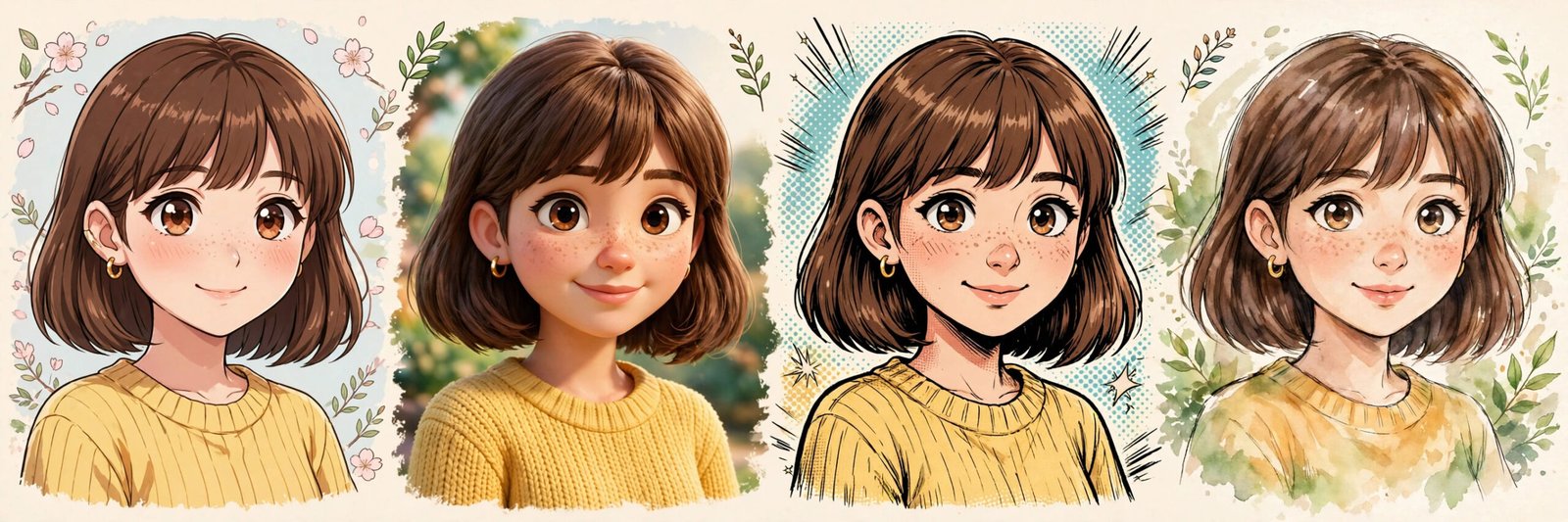
Different styles suit different goals. Anime style is best for fun profile pictures and looks great on young faces. 3D cartoon style (like animated movies) is best for family photos and gifts. Comic style suits action poses and group photos of friends. Watercolor and sketch styles look classy for display pictures that should stay a little serious. Pick the style first – it decides which app will serve you best.
Method: Turn Your Photo Into a Cartoon (Step by Step)
Step 1: Install a Free Cartoon App
Good free options include ToonMe, Voila AI Artist, and the cartoon filters inside free editors like YouCam Perfect and Picsart (free features vary). For this guide the steps use ToonMe, but every app follows the same flow. Install the app from your official app store only.
Step 2: Pick a Clear, Bright Photo
Use a photo where your face is clear, well lit, and looking at the camera. Sunglasses and heavy shadows confuse the AI. A simple background helps the app focus on your face. Photo quality is 80% of the final result when learning how to turn photo into cartoon.
Step 3: Choose the Style and Generate
Open the app, select your photo, and tap the cartoon style you want. Wait 20-60 seconds while the AI draws your cartoon version. Most free apps show a few style variations – swipe and compare them all before choosing.
Step 4: Save Without the Watermark Trap
Free versions of some apps add a small watermark or show an ad before saving. Save the cleanest version the free plan allows. If one app spoils your photo with a big watermark, try the same photo in another free app – quality differs a lot between apps.
Tips to Make the Cartoon Actually Look Like You
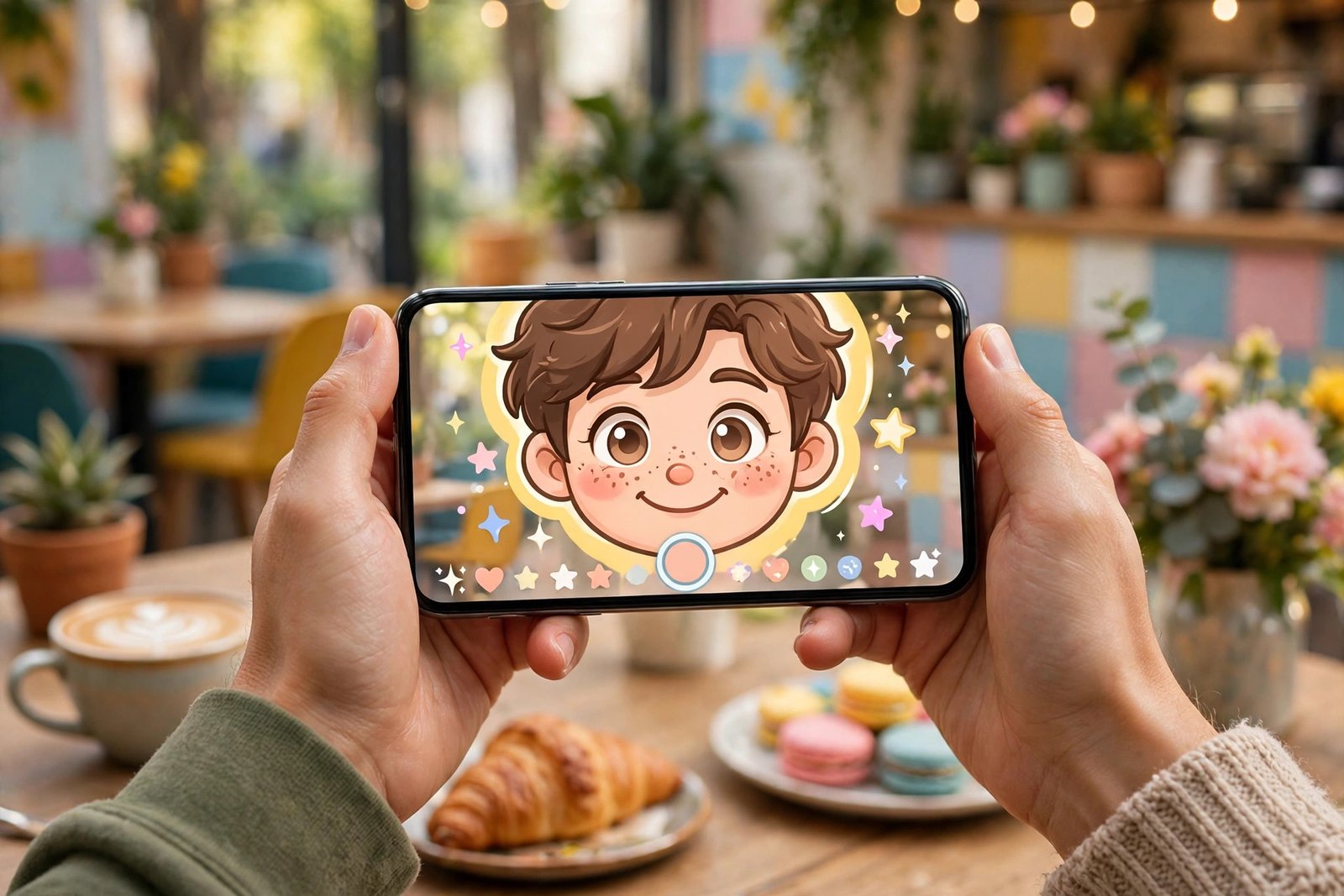
Use a photo taken in daylight, not under yellow room light. Keep your head straight – tilted selfies distort cartoon faces. If the result changes your face too much, choose a “light” or “soft” cartoon level instead of the strongest one. And try two or three source photos; one of them will always match your real face best.
Fun Uses for Your Cartoon Photo
Make it your WhatsApp or Facebook profile picture. Print a 3D-style cartoon family photo as a gift. Use anime versions as avatars for gaming and social accounts. Teachers and students even use cartoon versions in class presentations to keep things fun and privacy-safe.
Frequently Asked Questions
Which is the best free app to turn a photo into a cartoon?
ToonMe and Voila AI Artist are the most popular free choices. ToonMe is strong for single portraits; Voila is great for 3D cartoon styles.
Why does my cartoon not look like me?
Usually the source photo: low light, sunglasses, or a tilted angle. Retake the photo in daylight, face straight to the camera, and try again – the difference is big.
Is it safe to upload my photo to these apps?
Use only well-known apps from the official app store, avoid unknown websites asking for many permissions, and never upload sensitive photos. For normal selfies, the popular apps in this guide are widely used and fine.
Final Words
Now you know how to turn photo into cartoon free: pick a style, use a clear bright photo, generate, and choose the version that truly looks like you. Make your first cartoon profile picture today – it takes less time than reading this guide.
More creative guides are waiting in our AI Tools Guides section. Questions? Reach us through our Contact Us page.